Laivavedys app design
Giving a study app a soul
Laivavedys worked well and looked like any other quiz app. We brought one picture into it, so that it is less generic and what the user is working towards is always in view. Along the way we found we were following a book: Aloyzas Každailis's Laivai ir jūrininkai (Ships and Seafarers), with a mast on its cover. This page tells how we got there, round by round. The phones we drew sit small under each round and open at a tap.
Start
Where we beganWe decided to keep the colours and bring in a picture, so the app is less generic and the goal the user is working towards is always visible: a pleasant image that accompanies the study.
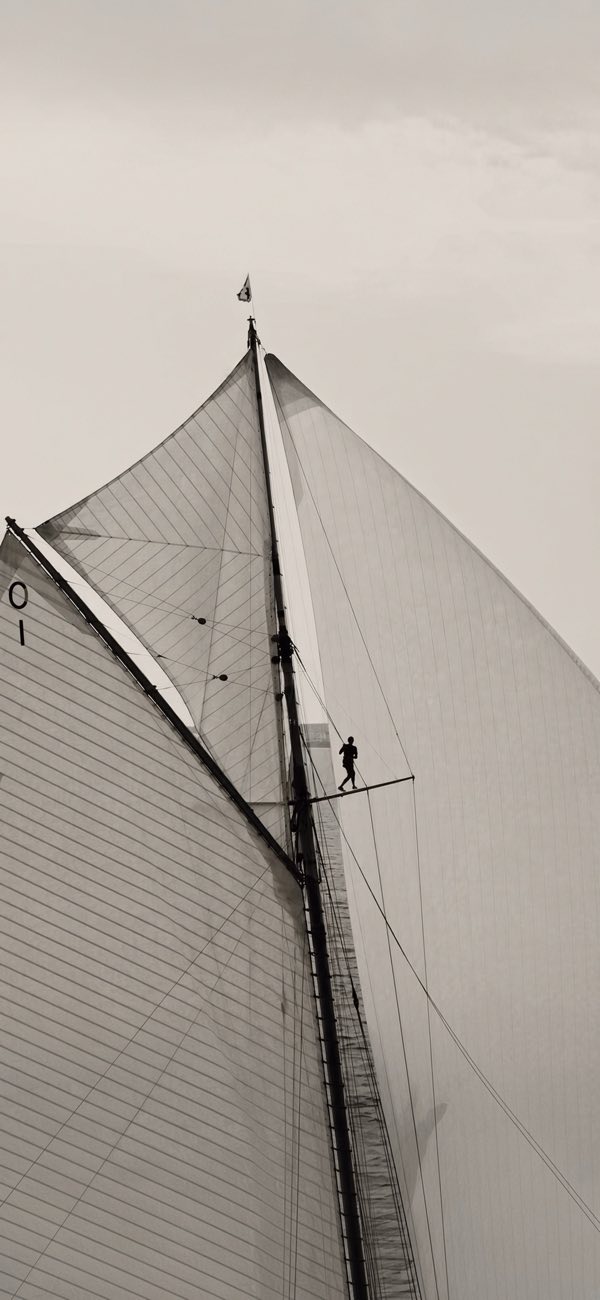
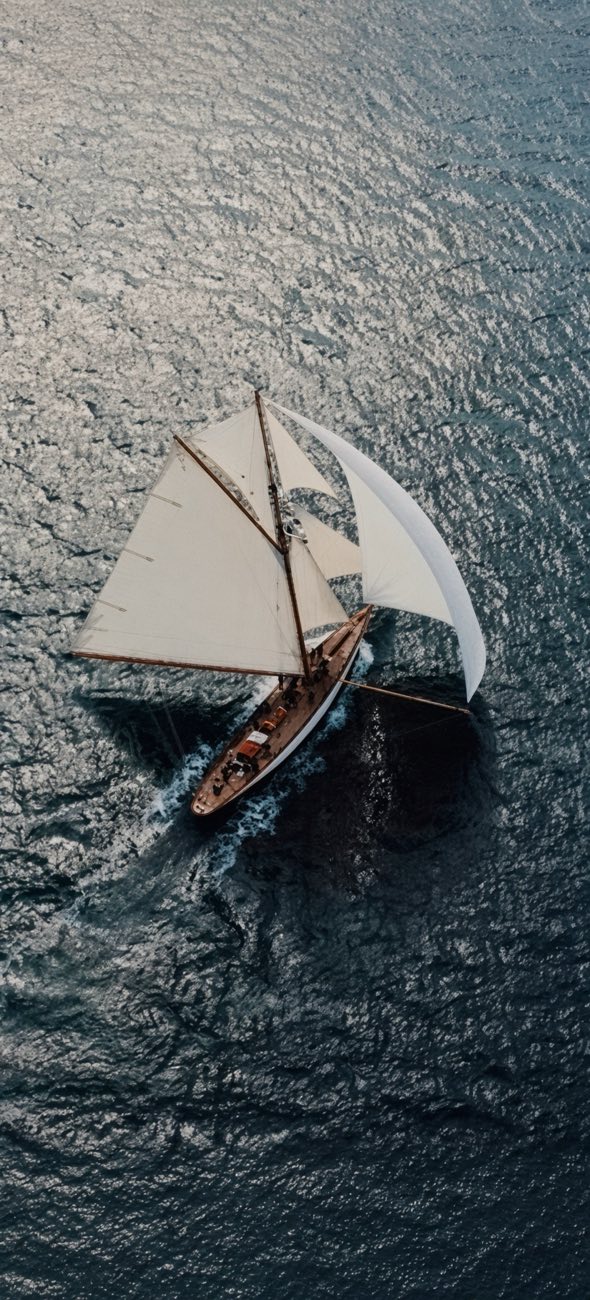
The app as it was (A0, A1), and the two pictures we had to work with.
Round 1 · Where a picture could go
We did not know yet where a picture belonged, so we drew it everywhere it could sit: on opening the app, on the home screen, inside the questions and on the results.
Opening the app
Home
Inside the questions
Results
What we decidedWe went with the mast, since it matched the current theme better. We left the choice of design to the user, with room for more pictures later.
Round 2 · The results screen
Seen built, the screen for a passed exam was the weakest of the set.
- We brought the score circle back by drawing it around the yacht. The first version had dropped it, and the result no longer read as a result.
- We tried glass over one continuous picture. The line where the picture stopped and the page began looked hard, which made us ask whether the whole app should go towards glass.
What we decidedWe kept glass to this one screen for the moment. The next round took the app another way, and this screen was later replaced.
Round 3 · Layers
Living with the first build showed us what worked: the picture on opening, and the faint sails behind a question.
What we decidedWe made that the rule. The picture is the bottom layer of the app: it opens in full, pales until it is barely there, and everything else lies on top of it with some height. We chose shadows over transparency, and one picture, done properly, over several.
The referenceHere we recognised what we were following: the cover of Aloyzas Každailis's Laivai ir jūrininkai, a mast on paper. From this round on the app is designed like that cover: one picture printed into the page, the title set on it, everything else laid on top.
Settled by eye: the picture at 80 % on the home screen, where it is the point, and at 7 % under questions and results, where reading comes first.
Round 4 · Readable text
We put the remaining screens on the layer, and then had to make text readable on top of a picture.
- We laid sand behind the text. It read well at once, but the first shape, an oval glow, looked wrong, so we tried five others.
- We chose fog rising from the bottom. With the title low on the screen it hides the least of the picture and has no edge.
- We measured the title's place from the bottom. The block then grows upwards with whatever is in it.
- We kept the loading bar's place when it is hidden. The title no longer moves when loading ends.
Settled by eye: fog at full strength, the title block 8 % above the bottom edge, the green of a right answer at 50 % over the picture.
Round 5 · Motion
With the screens settled, we worked on how one becomes the next. Each phone plays its transition on a loop.
- We played the opening as one piece: loading, the title on the picture, then the home screen.
- We gave the password page the same picture, so signing in slides into the opening without a break.
- We changed how the opening ends. The text fades first; then the header comes down from the top and the cards up from the bottom. A plain fade had let the title ghost through the list.
- We carried the same idea to the rest: a wrong password shakes, a round starts the way the home screen arrived, and questions slide sideways.
What we decidedWe kept all of them, because they follow one rule: the picture stays put, what lives at the top comes and goes from the top, what lives at the bottom from the bottom, and questions move sideways.
Round 6 · Last decisions
A few things we settled while building, without drawing anything new.
- We gave every result the same plain screen on the paled mast. The glass version no longer fitted an app with one picture and no transparency.
- We gave the picture a second and a half. First we slowed the opening so the picture gets a look; in daily use that was too long, so the whole picture now shows for 1.5 s and then makes way for the home screen.
- We let the password page show the picture. The photographs are our own, so they can be shown before sign-in.
- We coloured the iPhone's status bar like the top of the picture. The page then reads as reaching up beside the clock.
Now
In the app: LT to open, the layer under every screen (L2, L3, L6), LG and LN in a round with the L4 wash and the L5 pause, L0 with LW and LP at the door. Left behind: H1 to H3, Q3, R1 to R3. Still open: a few transitions we have not drawn, running the page under the iPhone clock, more pictures.